




Image:
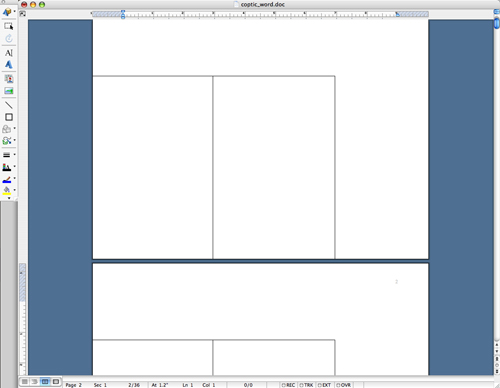
7. Using the Select Objects tool, drag the box
to the edge of the bottom-left corner of the page. Copy (Edit > Copy) the
box and paste (Edit > Paste) a duplicate outside the first box, then drag
the copy so that it abuts the first box on its right side. Select both boxes by
holding down the Shift key and clicking on each one. Copy and paste the boxes
on each of the following pages (thirty-six in total). See figure F.